Barcode labels play an essential role in modern product packaging, inventory management, shipping, and retail operations. They help businesses track products, manage stock, process transactions, and maintain accurate records throughout the supply chain.
When barcode labels stop scanning properly, however, even simple tasks can become frustrating. Employees may need to enter information manually, shipments can experience delays, and products may be rejected during receiving or checkout.
If you’re dealing with barcode labels not scanning, the problem isn’t always the scanner itself. In many cases, the issue comes down to label design, printing quality, material selection, or how the barcode is applied to the product.
Understanding the most common causes can help businesses identify problems before they interrupt operations. Here are seven reasons barcode labels fail to scan and what you can do to prevent them.
Why Barcode Scanning Problems Matter
A barcode may seem like a small part of a product label, but it performs an important function.
Barcodes allow businesses to identify products quickly and accurately without manually entering long strings of numbers or product information.
When scanning problems occur, they can affect several areas of a business, including:
- Inventory accuracy
- Warehouse operations
- Product identification
- Shipping and receiving
- Retail checkout
- Order fulfillment
- Production efficiency
- Customer satisfaction
For manufacturers and distributors, barcode labels not scanning can create additional labor costs and slow down processes that depend on automated identification.
The good news is that many barcode scanning problems are preventable when the labels are designed and manufactured correctly.
1. Poor Barcode Print Quality
One of the most common reasons barcode labels fail to scan is poor print quality.
Barcode scanners rely on accurately detecting the pattern of bars and spaces within a barcode. If those elements are unclear, distorted, or inconsistently printed, the scanner may struggle to interpret the information.
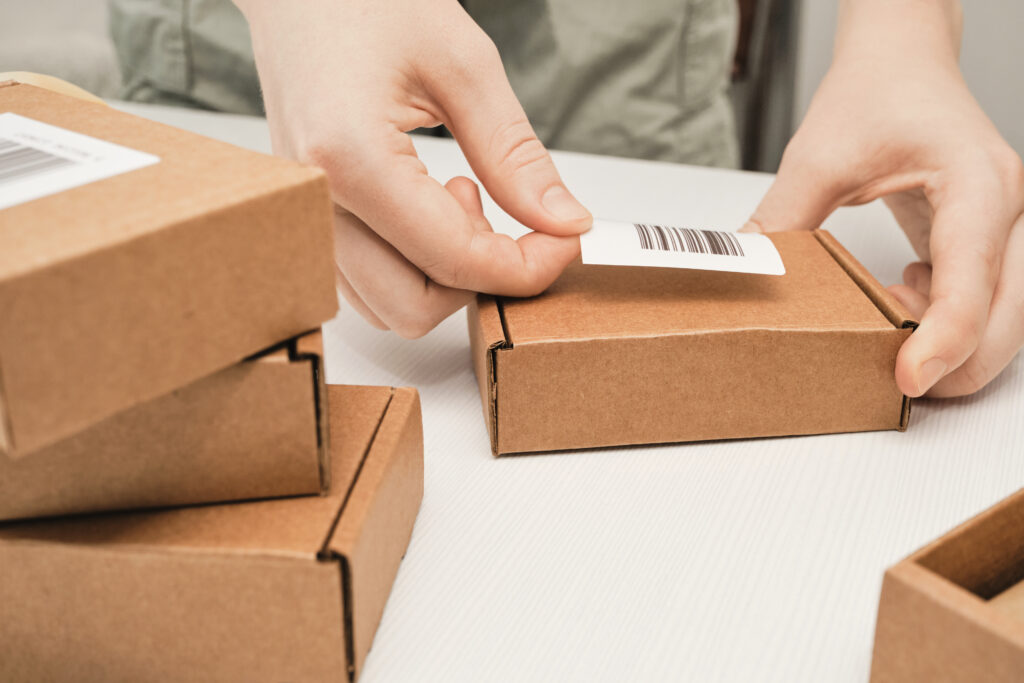
Common print quality problems include:
- Blurry barcode lines
- Smudged ink
- Missing sections
- Uneven printing
- Excessive ink spread
- Faded printing
- Broken or distorted bars
Even small printing defects can interfere with barcode readability.
For example, if ink spreads into the spaces between bars, the scanner may have difficulty distinguishing individual elements. Similarly, missing ink can interrupt the pattern and prevent successful decoding.
How to Prevent Poor Print Quality
Start by selecting a printing process appropriate for the label material and barcode requirements.
The artwork should be created at a suitable resolution, and the finished barcode should be inspected before full production begins.
For labels printed using thermal transfer equipment, printer settings, printhead condition, ribbon compatibility, and print speed can also influence quality.
Working with an experienced label manufacturer can help ensure that barcodes are reproduced consistently and remain readable throughout the intended application.
2. Insufficient Contrast Between the Barcode and Background
Another common reason for barcode labels not scanning is inadequate contrast.
Most barcode scanning systems depend on detecting differences between dark and light areas.
If the barcode and its background are too similar in appearance, the scanner may struggle to distinguish the pattern.
Black bars printed on a white background are generally the most reliable combination.
However, businesses sometimes choose alternative colors to match their branding or packaging design.
Potentially problematic combinations include:
- Light gray bars on white
- Red bars on white
- Dark bars on a dark background
- Metallic colors with excessive reflection
- Barcodes printed directly on transparent packaging
Red and certain reddish colors can be especially problematic for scanners that use red illumination.
How to Improve Barcode Contrast
When designing barcode labels, prioritize readability over appearance.
Dark bars on a light, solid background generally provide the strongest results.
If a product uses clear labels, consider placing an opaque white background behind the barcode rather than relying on the container or product contents to provide contrast.
This helps maintain consistent readability even when the color of the contents changes.
3. Barcode Size Is Too Small
Packaging design often involves fitting a significant amount of information into a limited space.
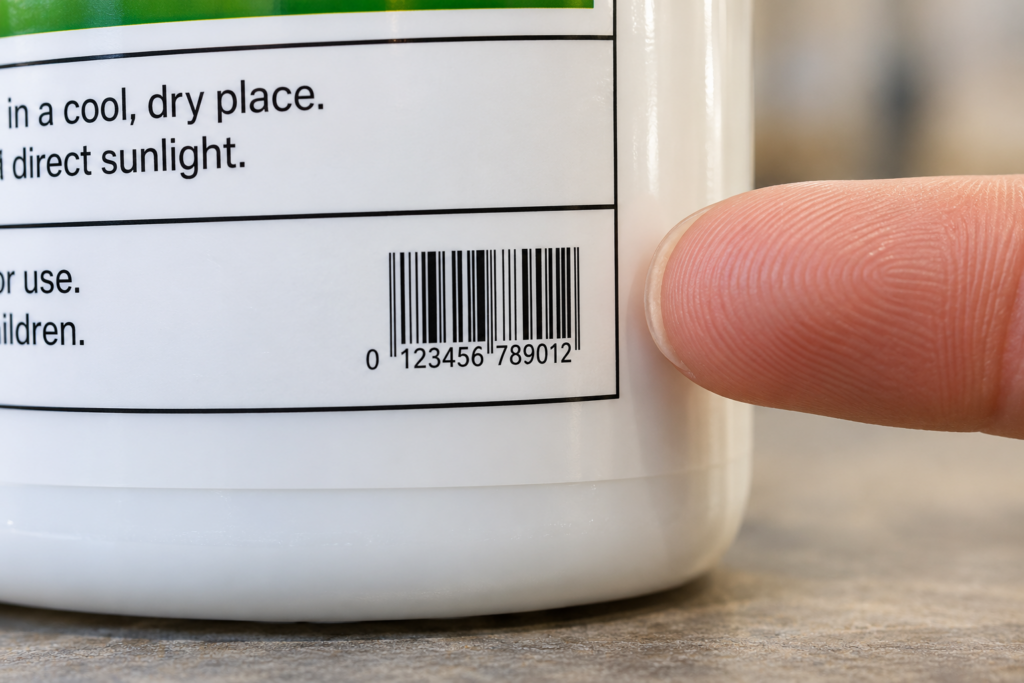
Product names, branding, ingredients, instructions, warnings, and regulatory information may all compete for room on the label.
Unfortunately, shrinking a barcode too much can create scanning problems.
Barcode scanners need to distinguish the individual bars and spaces accurately. When the barcode becomes too small, those elements may be difficult for the scanner to resolve.
Barcode height also matters.
Reducing the height of a traditional linear barcode can make it more difficult to scan because it reduces the available scanning area.
How to Choose the Right Barcode Size
Barcode dimensions should follow the requirements of the barcode type and the environment where it will be scanned.
A barcode used at a retail checkout may have different requirements from one scanned in a warehouse or distribution center.
Instead of resizing barcode artwork arbitrarily, create the barcode at the appropriate dimensions for the intended application.
Businesses should also consider the available label space early in the packaging design process.
Planning for barcode placement before finalizing the artwork can prevent costly redesigns later.
4. Not Enough Space Around the Barcode
One frequently overlooked cause of barcode labels not scanning is insufficient blank space around the barcode.
This area is called the quiet zone.
Quiet zones are clear spaces surrounding a barcode that help scanners recognize where the symbol begins and ends.
If artwork, text, borders, or other printed elements extend too close to the barcode, the scanner may have difficulty identifying the symbol correctly.
Common quiet zone problems include:
- Placing the barcode too close to the label edge
- Printing graphics directly beside the barcode
- Adding decorative borders around the symbol
- Allowing text to overlap the required clear area
- Cutting into the quiet zone during label production
These issues can occur even when the barcode itself is printed clearly.
How to Protect the Quiet Zone
Every barcode type has specific spacing requirements.
The required clear area should be included in the original artwork rather than added as an afterthought.
Designers should avoid placing graphics or decorative elements within that space.
It’s also important to consider cutting tolerances and label placement so the quiet zone remains intact on the finished product.
5. Damaged, Wrinkled, or Worn Labels
Sometimes a barcode scans perfectly when first printed but becomes unreadable after the product has been handled, stored, or transported.
Physical damage can interfere with the scanner’s ability to recognize the printed pattern.
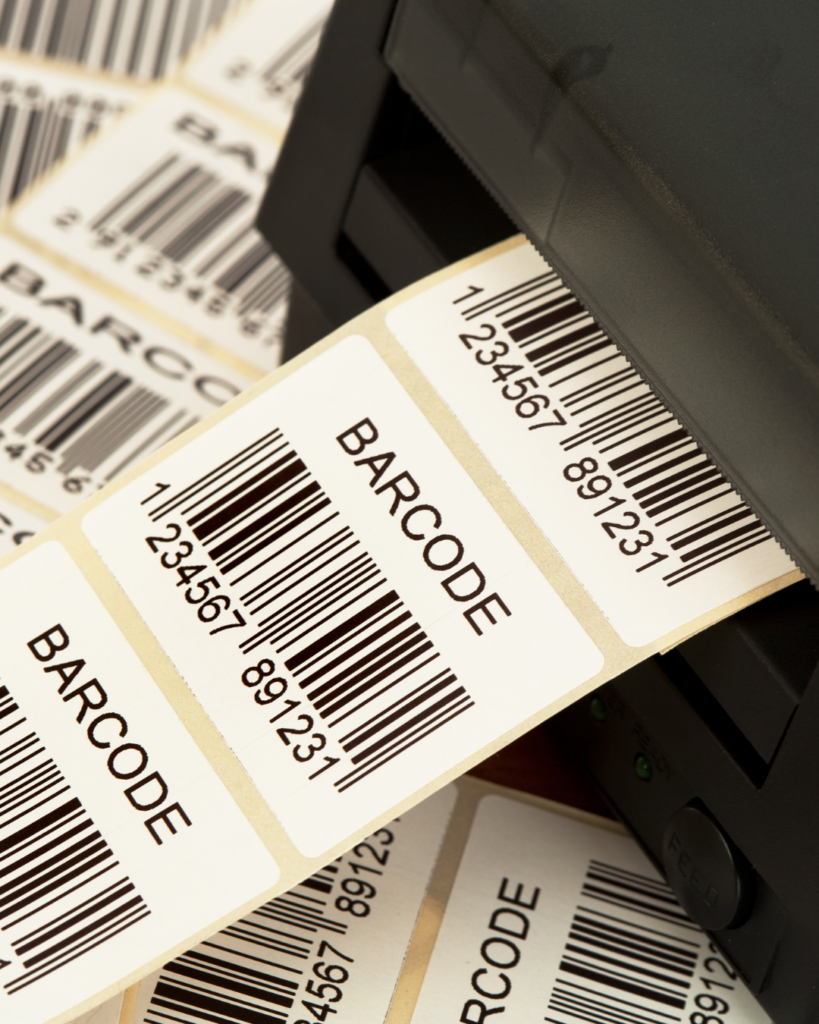
Common causes of damage include:
- Scratches
- Abrasion
- Moisture exposure
- Chemical contact
- Wrinkling
- Peeling
- Smearing
- Excessive handling
For example, a barcode label on a shipping container may rub against other packages during transportation.
A product stored in a refrigerated environment may experience condensation that affects an unsuitable label construction.
Industrial products may encounter oils, solvents, cleaning chemicals, or other substances that damage printed information.
How to Prevent Barcode Damage
Selecting the correct label material is essential.
Film materials, durable inks, and protective finishes may be appropriate for applications involving moisture, chemicals, abrasion, or frequent handling.
The adhesive also matters.
If the label begins peeling or wrinkling, the barcode may become distorted and difficult to scan.
Businesses should consider the complete product lifecycle when selecting barcode labels rather than focusing only on how the label performs immediately after printing.
6. Incorrect Barcode Placement on the Package
Barcode placement can have a significant effect on scanning performance.
Even a properly printed barcode may be difficult to scan if it is positioned on an unsuitable part of the package.
Curved containers are a common example.
When a barcode wraps too far around a bottle or cylindrical package, the scanner may not be able to capture the entire symbol clearly.
Other problematic locations include:
- Package seams
- Sharp corners
- Deeply curved surfaces
- Areas that wrinkle during use
- Locations covered by packaging materials
- Surfaces with excessive glare
- Areas that are difficult for scanning equipment to access
Flexible packaging can create additional challenges because the label may bend or wrinkle as the package changes shape.
How to Improve Barcode Placement
Position barcodes on the flattest practical area of the package whenever possible.
Avoid placing them across seams, folds, or areas likely to experience significant distortion.
For curved containers, barcode orientation and size should be evaluated carefully.
Businesses using automatic labeling or scanning equipment should also consider how products move through the production line.
Consistent barcode placement can improve scanning efficiency and reduce interruptions.
7. Incorrect Barcode Format or Scanner Compatibility
Not every barcode scanning problem is caused by the physical label.
Sometimes the barcode is printed correctly, but the scanning equipment or software cannot interpret it as intended.
Different industries and applications use different barcode formats.
Common examples include:
- UPC
- EAN
- Code 128
- Code 39
- ITF
- Data Matrix
- QR codes
These barcode types have different structures and uses.
A scanner designed only for traditional linear barcodes may not be able to read certain two dimensional symbols.
In other situations, the scanner may successfully decode the barcode, but the connected software may reject the information because it does not match the expected format.
How to Avoid Compatibility Problems
Before ordering barcode labels, confirm which barcode format is required by the intended scanning system.
Retailers, distributors, warehouses, and other receiving partners may have specific requirements.
Businesses should also verify that the encoded information is correct.
Testing the barcode with the actual equipment and software that will be used in daily operations can help identify compatibility issues before production begins.
How Label Materials Affect Barcode Readability
Material selection deserves special attention when investigating barcode labels not scanning.
Different label materials can affect print quality, reflectivity, durability, and adhesion.
For example, a highly reflective material may create glare under certain scanning conditions.
A transparent label may allow the color of the container or its contents to interfere with barcode contrast.
A material that is not compatible with the selected printing process may produce inconsistent results.
The appropriate material depends on several factors, including:
- Printing method
- Container surface
- Environmental exposure
- Product lifespan
- Required barcode durability
- Scanning equipment
- Handling conditions
A barcode label intended for a retail package may have different requirements from one used on industrial equipment or warehouse inventory.
Choosing the right construction helps protect both the printed information and the label’s ability to remain securely attached.
Can Glossy Labels Cause Barcode Scanning Problems?
Glossy labels are popular because they can enhance colors and create an attractive finished appearance.
However, highly reflective surfaces can sometimes interfere with barcode scanning.
When light reflects directly toward the scanner, glare may make it more difficult to distinguish the barcode pattern.
This does not mean glossy labels cannot contain functional barcodes.
Instead, the barcode’s location, print contrast, surface finish, and intended scanner should be considered together.
In applications where glare creates problems, a less reflective finish or different barcode placement may improve readability.
How to Test Barcode Labels Before Production
One of the best ways to prevent barcode labels not scanning is to test them before committing to a large production run.
A barcode may appear correct to the human eye while still containing defects that affect scanning.
Testing should include more than simply scanning one printed sample.
Consider evaluating:
- Barcode print quality
- Contrast
- Size
- Quiet zones
- Placement
- Material compatibility
- Durability
- Scanning performance on actual equipment
Barcode verification equipment can provide a more detailed assessment of symbol quality than a basic successful scan.
Verification can help identify potential issues involving contrast, dimensions, print defects, and other characteristics before the labels enter production.
For businesses supplying retailers or distribution centers, verification may be particularly valuable when specific barcode quality standards must be met.
Why Working With an Experienced Label Manufacturer Matters
Barcode labels need to do more than look professional.
They must function reliably throughout manufacturing, storage, shipping, distribution, and everyday use.
An experienced label manufacturer can help businesses evaluate the factors that influence barcode performance, including material selection, print quality, adhesive requirements, label dimensions, and environmental exposure.
North American Label understands that successful product labeling involves both appearance and functionality.
Whether a business needs labels for consumer packaging, industrial products, inventory identification, or specialized applications, choosing the right materials and printing approach can help reduce avoidable scanning problems.
Addressing these considerations early can prevent wasted labels, production interruptions, and unnecessary expenses.
Conclusion
Barcode labels are essential for keeping products moving efficiently through manufacturing, shipping, inventory management, and retail operations.
When barcode labels stop scanning, the cause may involve poor print quality, inadequate contrast, incorrect sizing, insufficient quiet zones, physical damage, improper placement, or scanner compatibility.
Understanding these seven common problems can help businesses identify weaknesses in their labeling process and take steps to prevent future failures.
If you’re experiencing barcode labels not scanning consistently, it’s important to evaluate the entire label construction rather than assuming the problem is limited to the scanner.
The right combination of material, adhesive, printing quality, barcode design, and placement can make a significant difference in long term performance.
If your business is struggling with barcode labels not scanning or needs dependable custom labels for a new product, contact us here. North American Label can help you explore labeling solutions designed to support accurate identification, reliable scanning, and professional product presentation.
Further Reading
GS1 US: Barcode Placement and Printing Guidelines
GS1: What Should I Check to Ensure Good Quality Barcodes?
GS1: 2D Barcodes at Retail Point of Sale Implementation Guideline